Step 1 of 8 · Do this: open Customers › Create Invoices
Create Invoices
›
2Create Invoices
Choose Create Invoices, then click Next in the lesson.
Menu bar. Instructional diagram — not a QuickBooks screenshot.
Numbered pins mark where to look. Click Next after each step.
paths
22
paths
lessons
252
lessons
to complete a lesson
80%
to complete a lesson
practice scenarios
8
practice scenarios
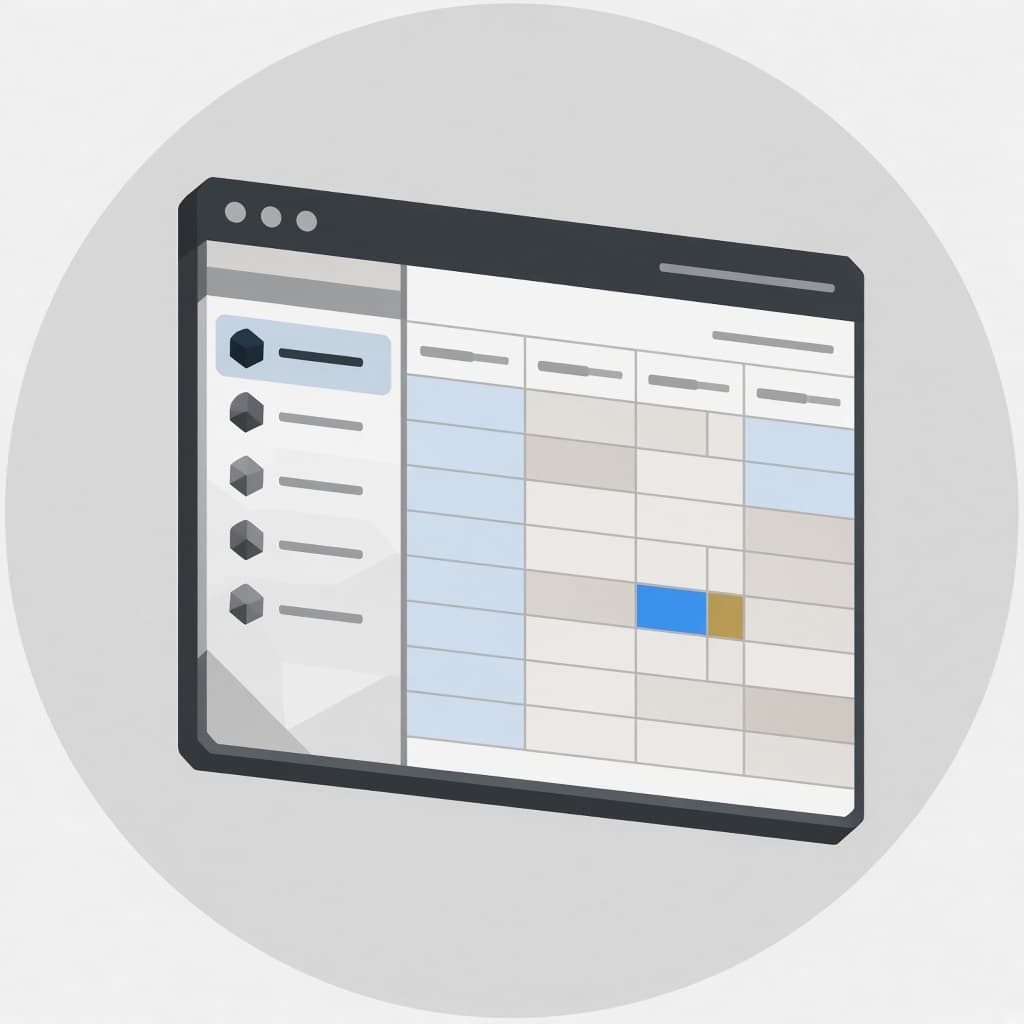
Illustration of a company-file window, not a QuickBooks screenshot.
The academy
Two QuickBooks courses
QB Online and QB Desktop Enterprise
A local learning app for RPerez Marine Equipment Inc. Learners register, pick a course, walk lessons step by step, pass an 80% knowledge check, and resume later. An admin can see progress. Diagrams in the lessons are labeled instructional diagrams. They are not QuickBooks screenshots.
QB Desktop EnterpriseWindows Desktop training for RPerez Marine Equipment Inc, from company files through administration.
QB OnlineBrowser training for Harbor Light Supplies in QuickBooks Online Plus, from the left nav through administration.
No. Each course starts at Level 1 fundamentals: what the product is, the words on the screen, lists versus transactions, and how to save and find work. Later paths assume you have walked those steps.
How does a lesson complete?+−
A lesson is complete after every step has been viewed and the knowledge check score is at least 80%. Retakes are allowed. The best score is kept.
Are these official QuickBooks screenshots?+−
No. Diagrams in the lessons are labeled instructional diagrams. They are not QuickBooks screenshots. No demonstration video is bundled.
Can I register as an admin?+−
Registration creates learner accounts only. Admins are seeded, not self-serve. Sign in with the seeded admin account if you need the progress overview.
How do I resume later?+−
Progress is stored on this site. Sign in and open the dashboard to continue the lesson you last viewed, or pick up a recommended lesson.
What does the catalog include?+−
Two courses: QuickBooks Online and QuickBooks Desktop Enterprise. Each has eleven paths from fundamentals through administration, plus four practice scenarios that chain existing lessons into a workflow.